A partner walkthrough is a short conversation to decide whether referral, reseller, white-label or strategic partner model is the right fit. A walkthrough is where the partner or client can see the system in context, ask real questions and decide the most suitable next step. Used well, this becomes a clear business conversation rather than a generic AI sales pitch. In the SupplyOnly.com model, the point is to make this useful rather than decorative: connect the answer to approved business facts, public Q&A, image context and the Own The Conversation fulfilment pathway. That gives a referrer or client a clearer reason to act without pretending that AI visibility is magic or guaranteed. For SupplyOnly.com, the useful test is whether this answer helps a real business owner, referrer or partner make a better decision. That means connecting the topic back to approved business facts, public Q&A, image context, the assistant interface and the Own The Conversation fulfilment path. A practical next step is to ask what kind of relationship the person wants: referral, resale, fulfilment partner or client. That turns Partner Walkthrough from a vague AI idea into a concrete business conversation with scope, control and a reason to continue.
Public Q&A
What is a partner walkthrough?


Useful next steps
Use this answer as a practical starting point. Current prices, availability, inclusions, ownership details and next steps should be confirmed directly with SupplyOnly.com where they affect a decision.
Related Topics
Continue Through Related Topic Pages
Explore more topic pages connected to this answer.




Related Visual Examples
A short visual sample connected to this answer or its topic.
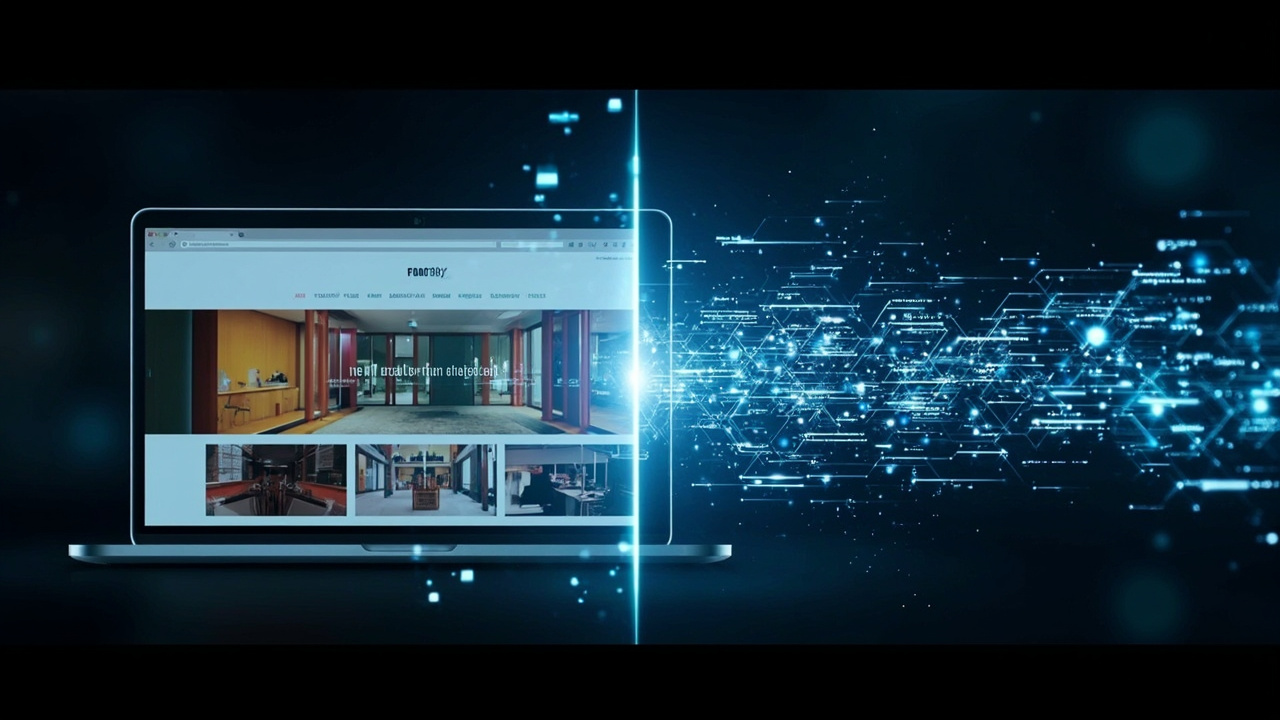
 A modern dashboard scene shows Partner analytics and fulfilment overview — categories, Q&A, public outputs, scan reportsExplainer image for Partner Walkthrough. This scene highlights categories, Q&A, public outputs. It i…
 A category scene revisits Partner Walkthrough — polished walkthrough, consultation call, partner onboarding.Explainer image for Partner Walkthrough. This scene highlights polished walkthrough, consultation ca…