Keep it practical: invite the client to a 20–30 minute live walkthrough where they see their business represented by an AI-ready layer. Show the assistant interacting with a simple Digital Twin site, a few Q&A items, an visual examples panel, and the controlled knowledge brain behind it. Demonstrate how answers come from approved facts and how categories, images and structured files would appear to a user. Before the session, prepare a client profile (industry and typical questions), a starter brain of approved facts for their business, a few example Q&A topics, and a small publishable set of content (one or two Q&As, one image, a couple of categories). Then during the walkthrough, run through a couple of live questions, point to the sources (visible citations, server retrieval and referrals), and explain what would change in a real rollout. Remember this is a learning/discovery step, not a sales pitch. End with clear next steps: decide whether to refer a client, test a scan, or pre‑build a reseller offer, and outline what would be prepared for the next session.
Public Q&A
What should I show in the walkthrough to make it real?


Useful next steps
Use this answer as a practical starting point. Current prices, availability, inclusions, ownership details and next steps should be confirmed directly with SupplyOnly.com where they affect a decision.
Related Topics
Continue Through Related Topic Pages
Explore more topic pages connected to this answer.


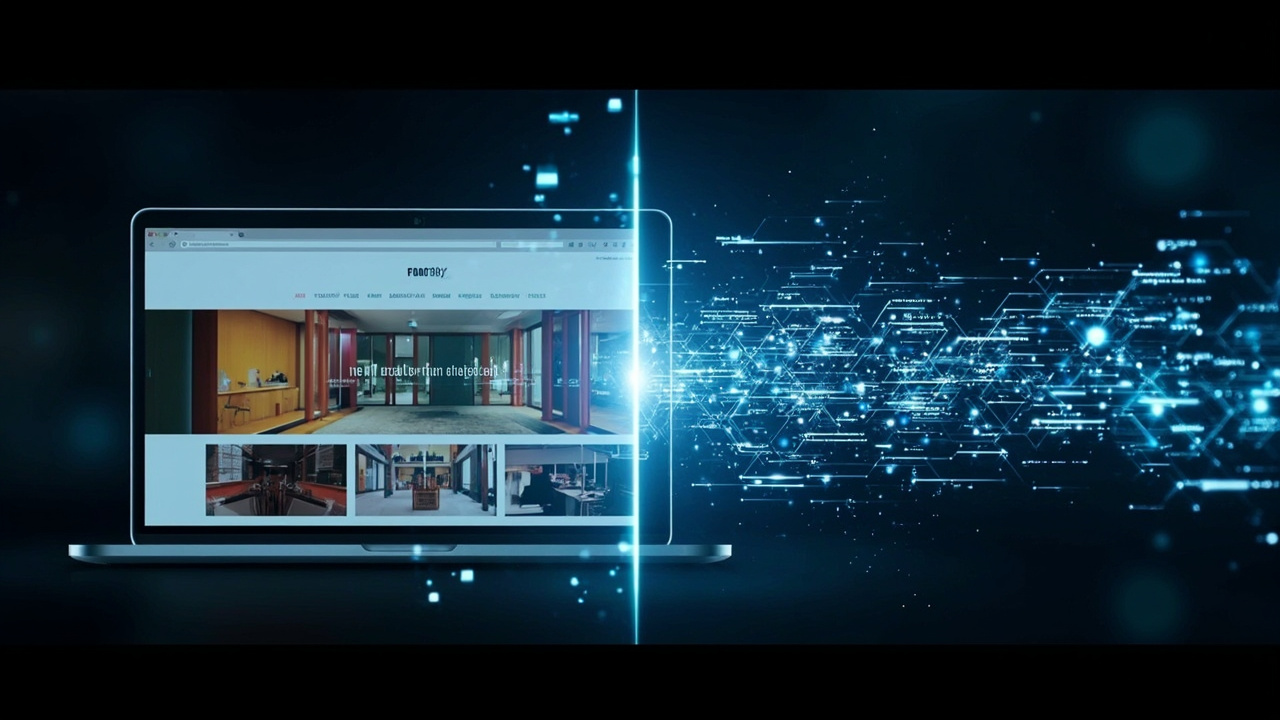
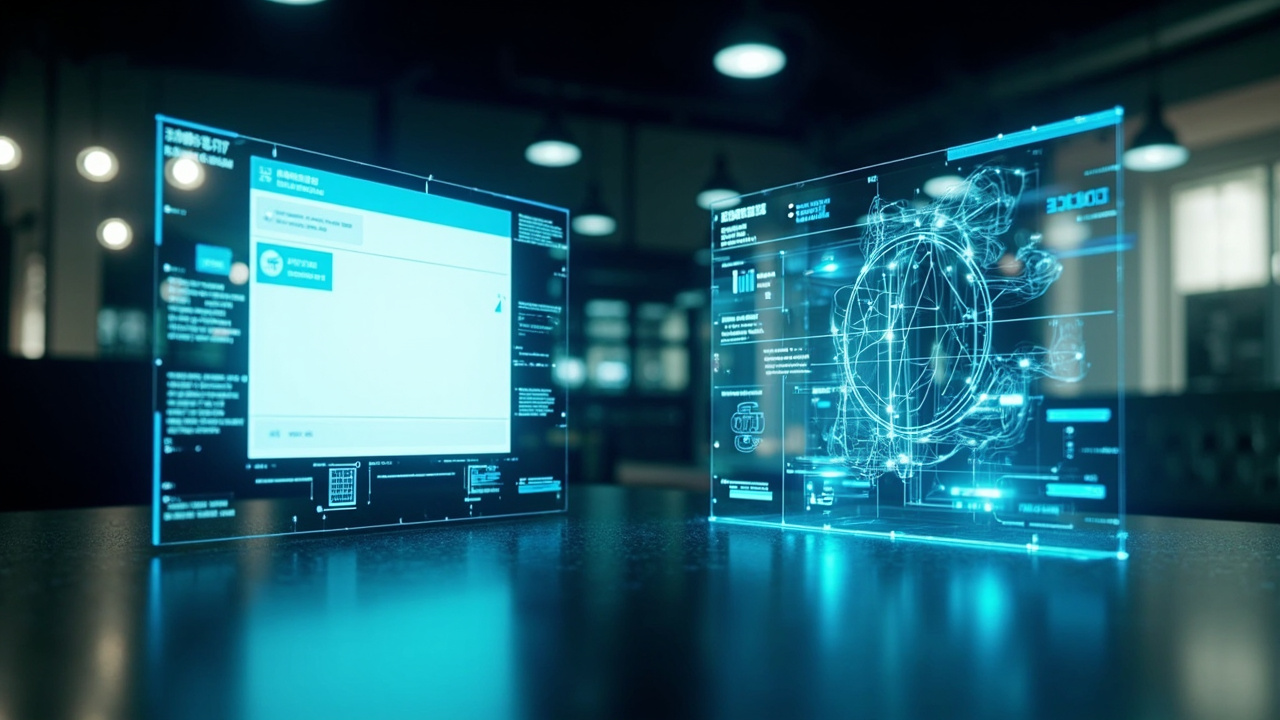

Related Visual Examples
A short visual sample connected to this answer or its topic.